

Help When you need it
Troubleshooting
Something not right? Find what you're seeing below. Every message BedrockMap shows says what went wrong; this page says what to do about it.
My upload was refused
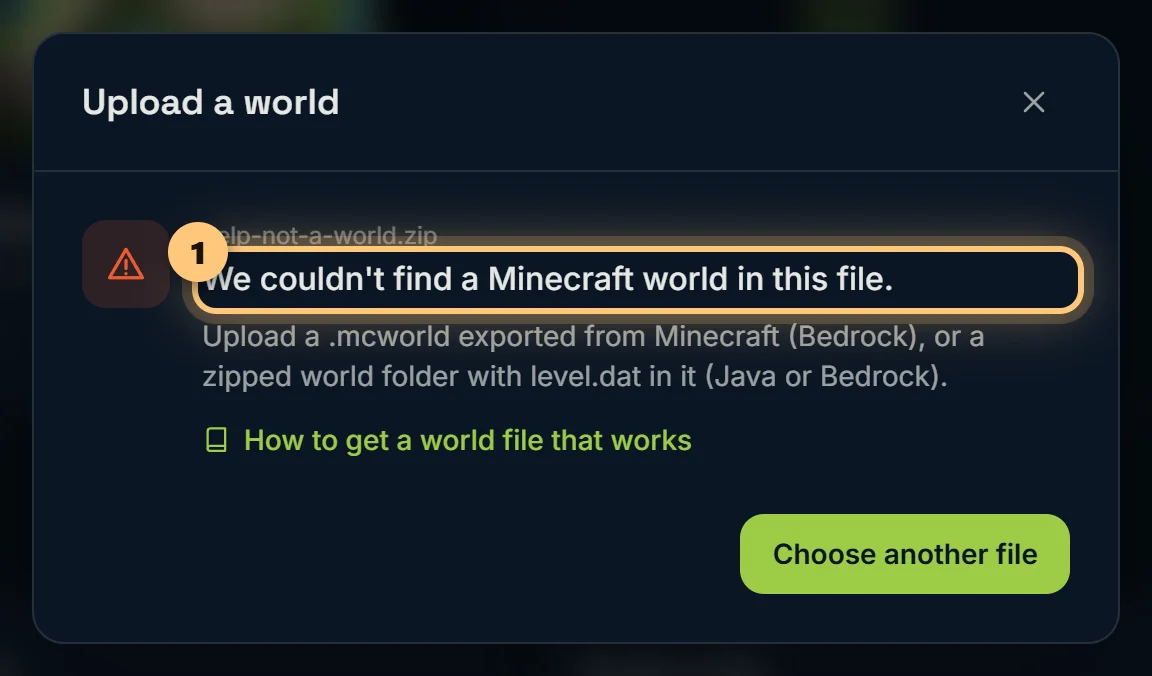
| The message says | What to do |
|---|---|
| It isn't a .mcworld or .zip | Export the world from Minecraft (how), or zip its folder. RAR and 7z files can't be read: make a .zip instead. |
| It's a resource or behaviour pack | That's a pack, not a world. Export the world itself. |
| There are several worlds in it | The upload window lists them: choose the one to map. (Several .mcworld files zipped together can't be listed: upload one at a time.) |
| You zipped the files inside the world folder, but not its folders | Go up one folder, so you see the world's folder itself, and zip that folder. |
| It's missing its level.dat, or it's only part of a world | The zip doesn't have the whole world. Zip the folder that contains level.dat, not a folder inside it. |
| The folders in it are empty | The files weren't really copied. On Android, other apps often can't read Minecraft's files: pass the world through a Realm instead (how). If the files are in OneDrive, iCloud or Google Drive, download them to your device first. |
| It's a modpack, a mod, or map data from a mod | Upload the world you played in, from the saves folder. |
| It has no saved terrain yet | Play in the world for a moment, so it's saved, then export it again. |
| The copy is incomplete | The world was still open when it was copied. Close it, or stop the server, and copy it again. |
| The file is incomplete or damaged | The download or copy stopped partway. Make a fresh copy and upload that. |
| The zip is password-protected | Zip it again without a password. |
| You're at your world or render limit | Free has 1 world and 2 renders a day. Upload as a newer version of your existing map instead, or try Premium. |
The render failed
The overview says what happened and, where there's something to try, what. Most failures are a one-off: render again from the overview. If the same world fails twice, let us know on the Discord support server, with the world's name: we'll look at it.
Parts of my map are missing
- Only a square around spawn shows. That's the preview. Render the full world.
- The edge stops before my builds. They're outside the render area. Make the box bigger, or move it, and render again.
- The Nether or the End is missing. Nobody had been there when the world was copied, or the dimension is switched off in Render area and dimensions.
- The Nether is just solid rock. Switch on X-ray.
- Land I explored is faded. That's land drawn from your seed, not the real world: it wasn't saved in the copy you uploaded. Upload a newer copy.
- Visitors see less than I do. Check Hidden areas.
My changes don't show on the map
Area, dimension and appearance changes need a render: choose Render now in the sidebar. Markers, regions and viewer defaults show straight away; refresh the map if it was already open.
Live players or auto-sync aren't working
- Check the Bedrock Relay card on Live players or Auto-sync. It says if your world is offline, asleep, or if something needs switching on in Relay.
- Nobody shows on the map. Check Show live players on the map is on, and that the players aren't below the height you hide.
- Auto-sync failed. The list of syncs says why. A server's SFTP password may have changed: update it in Bedrock Relay.
Someone can't open my private map
They need the access link, opened in the browser they're using. If you've replaced the link, the old one no longer works: send them the new one.
Ready to make a map, or need to change something?
Open your dashboard