Help Sharing
Your map's address
Every map has a link like bedrockmap.net/map/your-world. Change it, or give the map its own subdomain.
Changing the link
Open your world, then Address. Type the new name (letters, numbers and dashes) and BedrockMap tells you straight away if it's free. Choose Move the map.
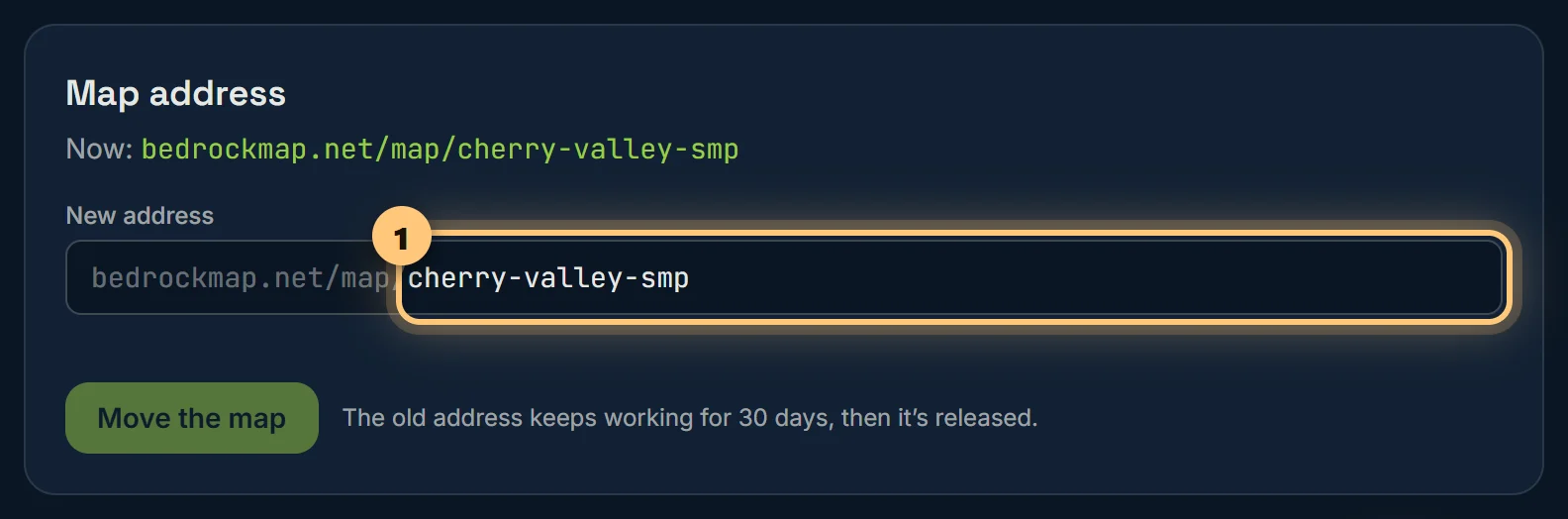
The old link keeps working for 30 days, sending people on to the new one, and nobody else can take it in that time. Renaming the world itself doesn't change its link.
Your own subdomain
With Premium, switch on Subdomain and your map also opens at your-world.bedrockmap.net: easy to say out loud, and to put on a server list. It follows the map's name, so changing the address changes the subdomain too.
Ready to make a map, or need to change something?
Open your dashboard