
Help With Bedrock Relay
Connect your world
Bedrock Relay links your Realm or server to BedrockMap, so the map can show players live, keep itself up to date, and take markers from inside the game.
What Bedrock Relay adds
Bedrock Relay is a service from the same people as BedrockMap that connects to your Minecraft world while it runs. Connected to BedrockMap, it adds:
- Live players: everyone on the map as they move, with their skins.
- Auto-sync: a fresh copy of your world on a schedule, rendered automatically. No more exporting.
- Markers from in game: players add markers where they stand, with
/relay. - The world's time: the map shows dusk and night when they come in your world. Realms send their time while someone is playing; servers need Bedrock Relay's pack 0.12.0 or newer.
It works with Bedrock Realms and Bedrock Dedicated Servers. You don't need Discord for any of it.
Connecting
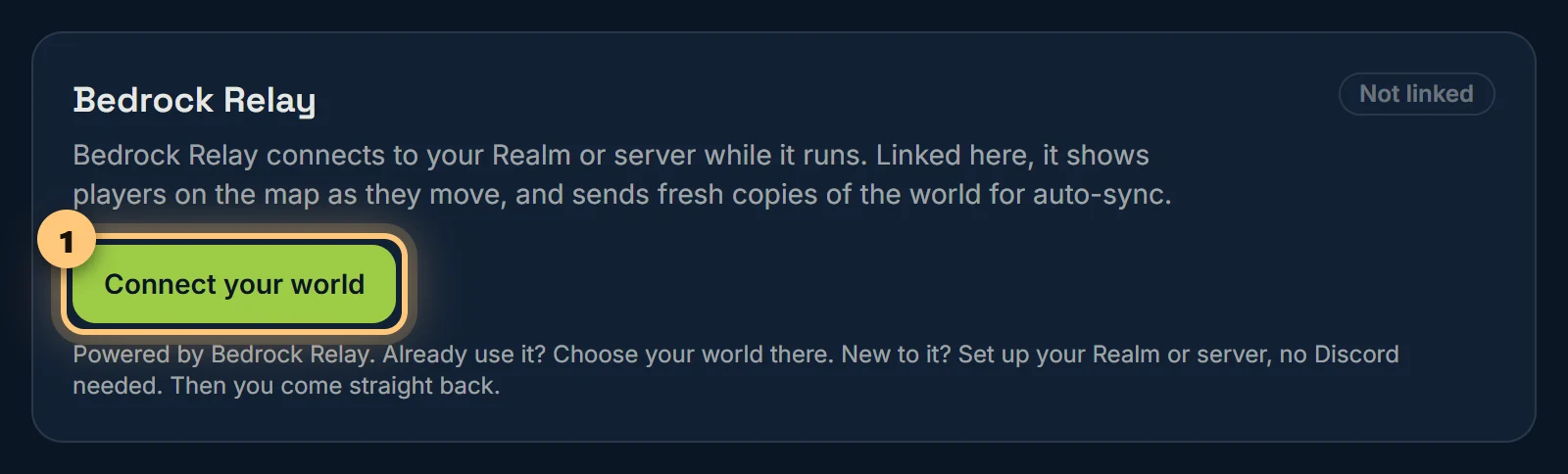
- Open your world, then Bedrock Relay (under Integrations), and choose Connect your world.
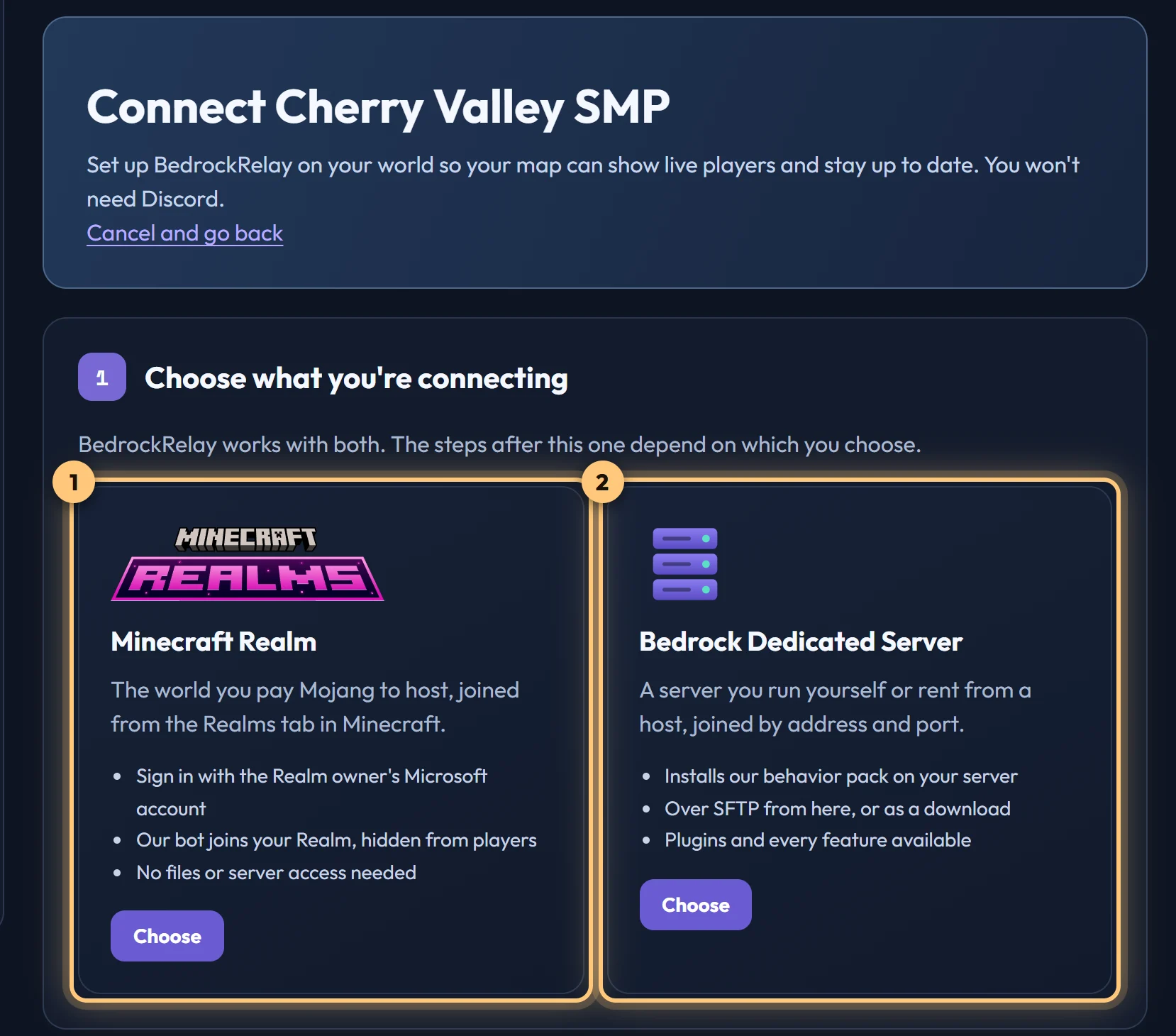
- Bedrock Relay opens. If you already use it, sign in with Discord and choose which of your worlds this map is for. If not, carry on without Discord, accept its terms, and say whether it's a Realm or a server.
- A new Realm: sign in with the Microsoft account that owns it. A new server: enter its address and its SFTP login, and Bedrock Relay installs its pack. You see what it'll change first.
- Choose Back to BedrockMap. The card says Connected, and your map is linked: there's no key to copy. Then choose who visitors see on Live players, and how often to sync on Auto-sync.
Checking it's working
Once connected, the Bedrock Relay page shows whether your world is online right now, the version of Relay's pack on a server, and when Relay was last heard from. A Realm with nobody on is asleep: it wakes when someone joins.
What your map does with the world is chosen here on BedrockMap: live players on the Live players page, and copies on Auto-sync. If Bedrock Relay needs something from you, like a server's SFTP login, the page says so. Manage in Bedrock Relay takes you to your world there.
Unlinking
Unlink on the Bedrock Relay page stops Relay updating the map at once. To link a different world, unlink, then choose Connect your world again.
Live players, auto-sync and markers from in game are part of Premium.
Ready to make a map, or need to change something?
Open your dashboard